I Didn’t Just Use AI. I Built It Into My Design Workflow.
AI became part of how I think, explore, validate, and execute, acting as an extra brain rather than just another tool.
This project brings together two complementary initiatives: a Design Copilot that helps me work with context and make better decisions, and AI-powered tools that remove repetitive work from my workflow.
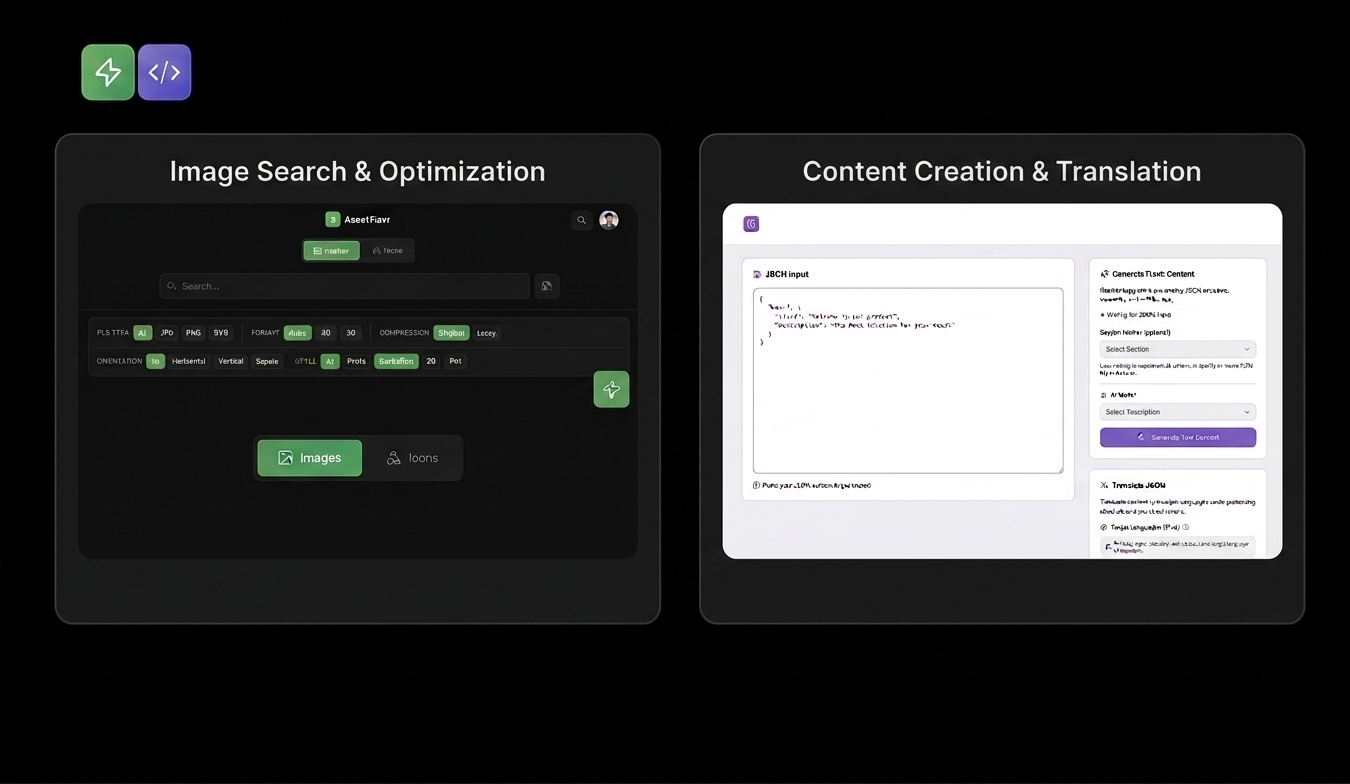
Project Overview
I built two complementary AI-powered initiatives to solve two different types of friction in my design workflow:
🤖 Design Copilot
A context-aware design partner that understands my design system, guidelines, decisions, and working process, helping me think, validate, and move faster.
🛠️ AI-Powered Tools
A set of focused tools that automate repetitive production tasks, from multilingual content generation to image preparation and optimization.
🤖 Design Copilot
A Design Partner Built for Clarity and Confidence
🧩 Problem Statement
As designers, we don’t struggle because we lack tools. We struggle because our context lives in too many places
All the information exists - but not in one place.
🎯 The Goal
The goal was to create a single design partner that remembers everything related to my work and makes that information available exactly when I need it. Instead of holding context in my head or searching across tools, I wanted one place I could turn to for informed, relevant guidance.
🧠 How I Built and Worked With My Design Copilot
I built my Design Copilot directly in ChatGPT and treated it the same way I would onboard a new designer joining my team.
I started by giving it full context.
Instead of dropping information randomly, I explained why things exist, the same way I would explain decisions to a teammate.
Setting Clear Expectations
At the beginning, I wrote a clear and intentional prompt explaining why I needed this Design Copilot and how I wanted it to support my work.
I asked the copilot to act as my UI and product design partner, to challenge my ideas when something felt off, to prioritize clarity, consistency, and usability, and to remember the context I shared and build on it over time. I also made it clear that responses should reflect the thinking of a senior designer, not a generic assistant.
This step was critical.
It set the tone for collaboration and shifted the copilot from being reactive to becoming a true thinking partner in my design process.
Working Together in Practice
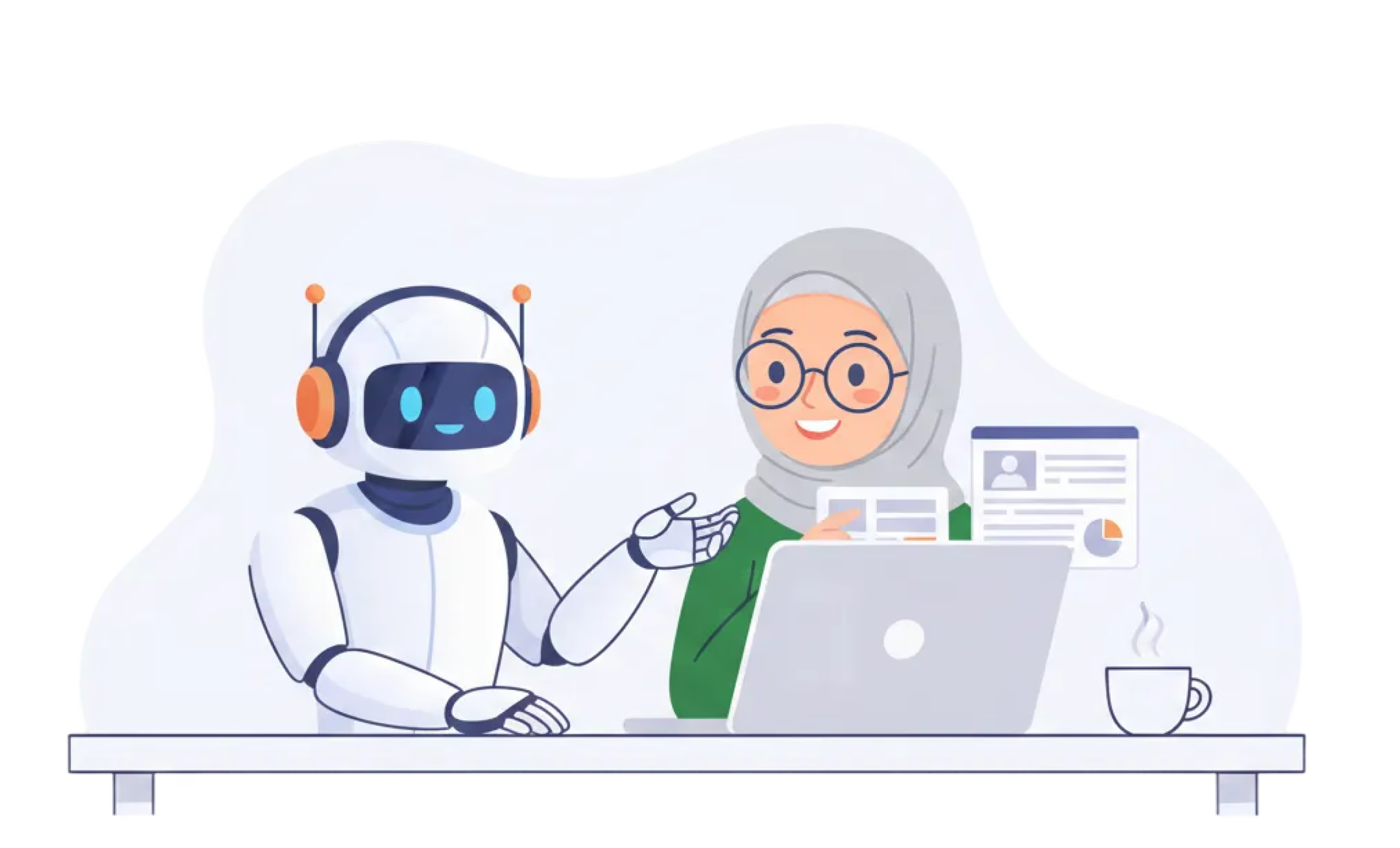
I use it to explore early ideas and rough blueprints, to pressure-test layouts and flows, and to review designs against system rules before they reach a polished stage. I bring unfinished thinking to it, ask questions out loud, and let it challenge assumptions before decisions become expensive.
For example, while working on a product flow, I asked the copilot to review my layout using our spacing, typography, and accessibility guidelines. Because it already understood the design system and past decisions, it noticed an inconsistency that would normally appear much later during review. Catching it early saved time and avoided unnecessary rework.
📈 Impact on My Workflow
Working with a Design Copilot saves me around 40% of the time that would otherwise be spent on context switching and rechecking information.
With less energy going into retrieval and validation, I can focus more on thinking, refining, and improving quality. I move faster without rushing, make decisions earlier, and stay focused on what truly matters.
By keeping context, memory, and structure in one place, it strengthens my judgment and clarity. Over time, this adds up to 8–10 hours saved each week, which I now invest in deeper design work and building more meaningful, high-quality products.
🛠️ AI-Powered Tools
Turning Repetitive Work Into Automated Workflows
I work closely with marketing teams on landing pages for e-learning and funnel-based products. These pages often need to launch across 10+ languages simultaneously, creating a lot of repetitive work around content and asset preparation.
Two recurring pain points stood out.
🧩 Problem · Content Generation & Translation
Landing page content lives in JSON files, which made even small content updates surprisingly manual.
The typical workflow looked like:
Even when using AI tools like ChatGPT or Claude for translation, the process remained fragmented. Content generation, translation, formatting, and file preparation happened across separate steps and tools, with manual work in between.
🎯 The Opportunity
I wanted to turn this fragmented process into one end-to-end workflow that could generate, translate, structure, and export content without repetitive manual updates.
🧠 Solution · JSON Content Generator & Translator
I built a tool that brings the entire workflow into one place.
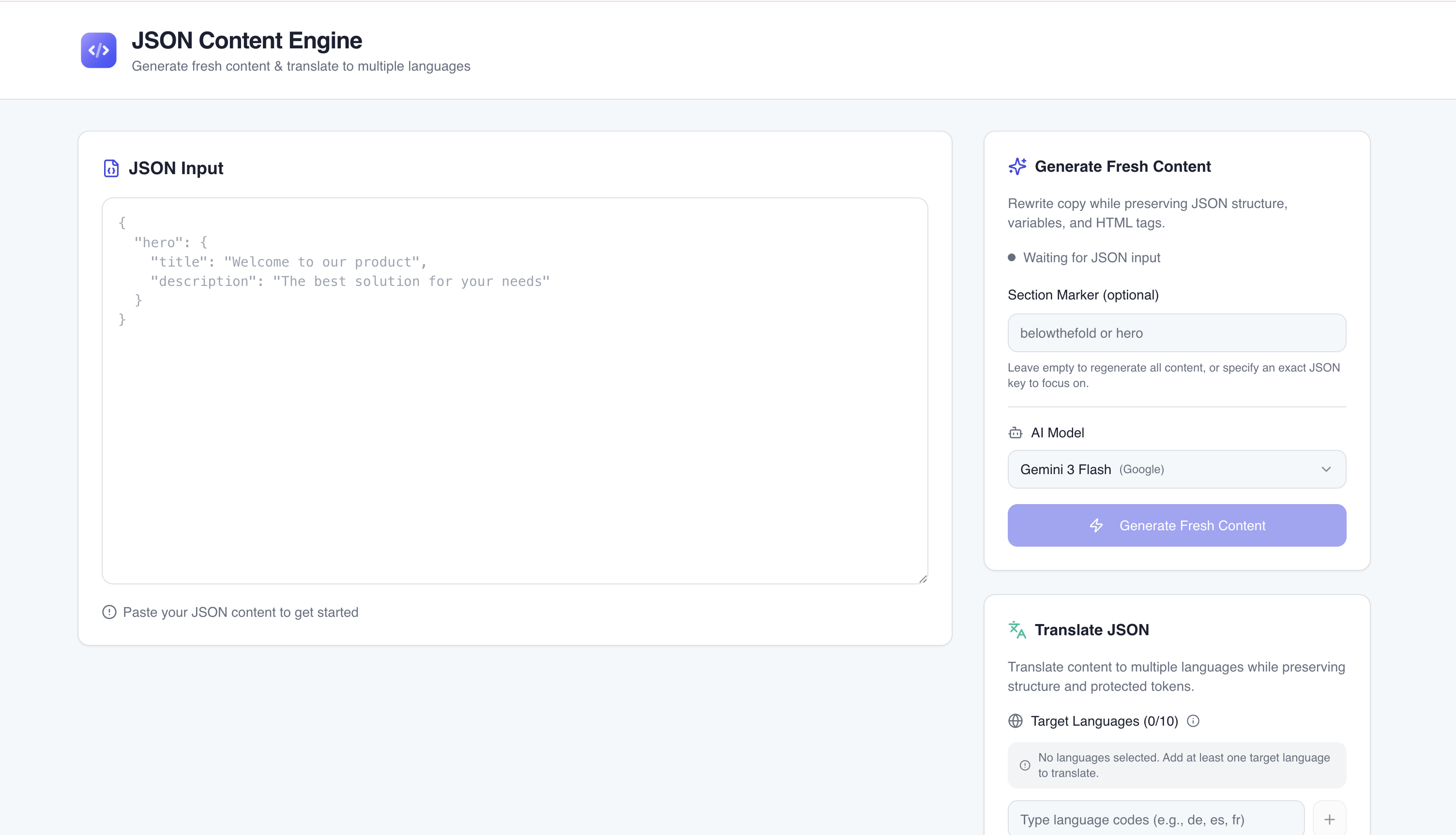
This eliminated repeated copy-paste and restructuring, while making multilingual content preparation faster and more scalable.
🧩 Problem · Image Preparation
Images created another repetitive step in the landing-page workflow.
The typical process was:
Downloaded images were often 500 KB–1 MB, while the product required assets under 100 KB to support faster page loading.
This meant every image required additional manual processing before it could be used.
🎯 The Opportunity
Instead of switching between image libraries, compression tools, and file management, I wanted to bring the entire process into a single workflow.
🧠 Solution · Image Search & Optimization
I built a tool connected via API to image sources such as Freepik and Unsplash.
Inside one interface, I can:
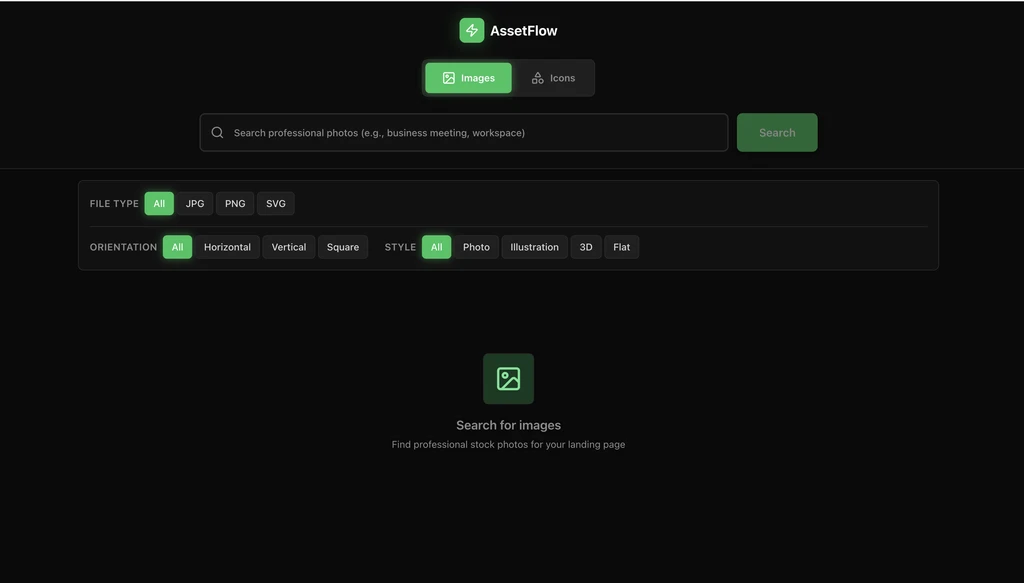
No extra compression tools. No manual renaming. No unnecessary file preparation.
The result is a faster path from finding an image to getting a production-ready asset.